Automated ZIP Export for LINE Stickers: No Manual Naming
Learn how to automate internal naming (01.png, etc.) and ZIP compression for LINE sticker submissions. Eliminate manual errors and focus on your creative work.
Table of Contents
1. Official Naming Rules for Bulk Uploads
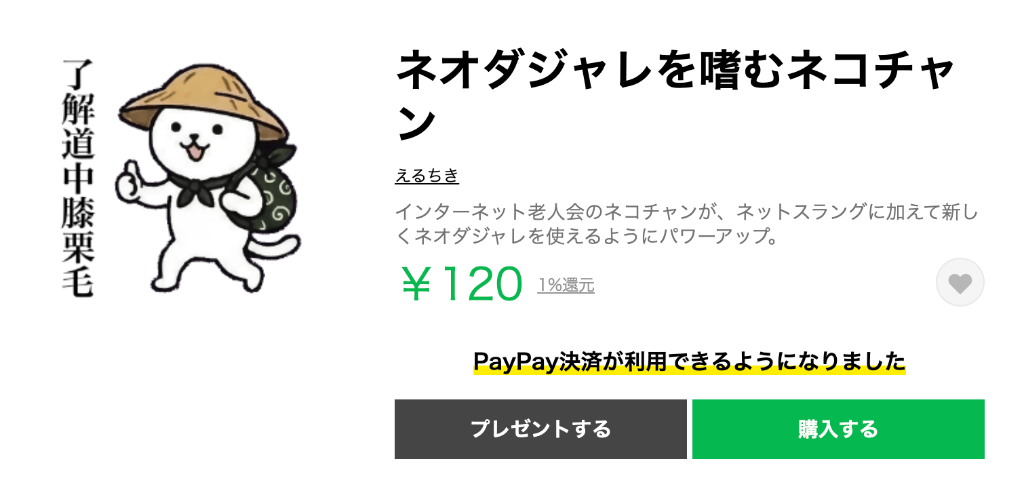
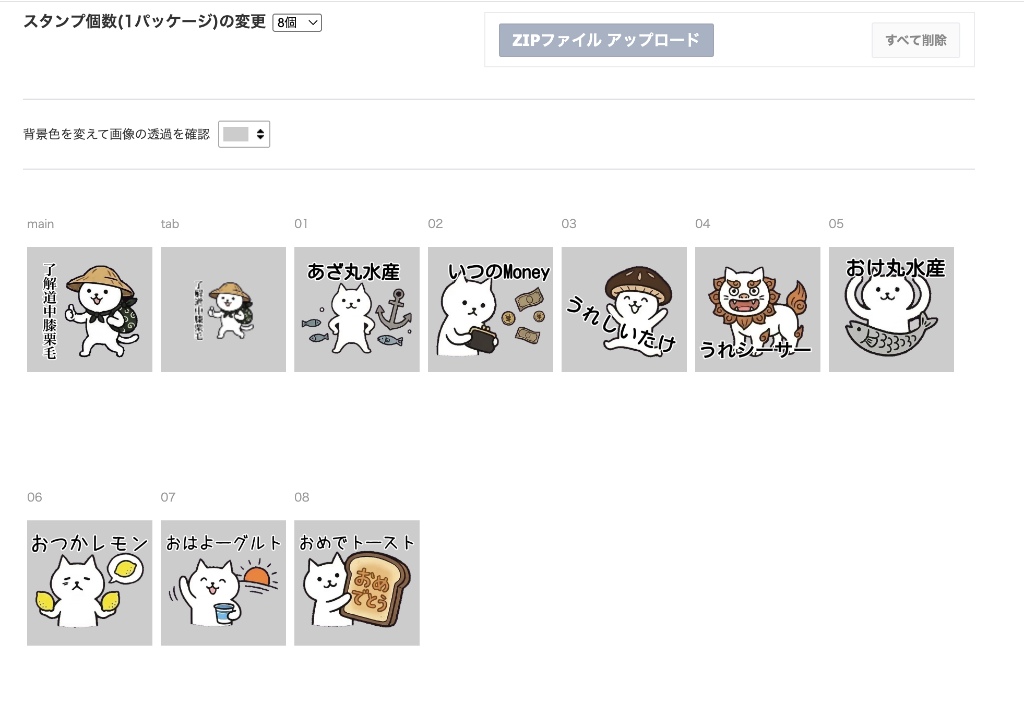
To use the bulk upload (ZIP) feature on the LINE Creators Market, your files must follow a precise naming structure:
- main.png: The 'face' of your set, displayed large at the top of the store.
- tab.png: The small selection icon in the chat menu.

- 01.png to 40.png: Sequential sticker images.
A single typo or or skipped number causes the entire ZIP to be rejected. Manually renaming up to 42 files is a tedious, error-prone process.
2. Seamless Integration: Resize to ZIP Workflow
EzStampify streamlines this process by integrating naming directly into the resize-and-export workflow.
How the automation works:
1. Smart Tagging: Applying 'LINE' presets during the resize phase automatically internally flags images as Main, Tab, or Sticker assets.
2. Ordered Numbering: When saving your ZIP, images are numbered starting from 01.png based on the order you select them in the gallery.
3. Instant ZIP Export: All images are renamed according to official rules and bundled into a perfectly formatted ZIP file with one click.
This reduces the complex packaging process to just a few seconds, letting you bypass the manual effort entirely.
3. Final Checklist Before Submission
Before uploading your ZIP, a quick final check ensures a smooth approval process:
- Verify Image Counts: Ensure you have the correct total (e.g., 40 stickers + 1 main + 1 tab).
- Check Transparency: Use the 'Background Color Preview' to ensure backgrounds are fully removed.
- Lowercase Extensions: Verify all files end in .png (lowercase), which EzStampify does by default.
Let technology handle the boring parts so you can keep your energy high for your next big idea!