Batch Image Splitter for LINE Stickers: AI Auto-Crop
Stop exporting LINE stickers one by one. AI auto-split and grid extraction crop multiple illustrations into individual files in one pass.
Table of Contents
Optimize Production with 'Batch Extraction' for 40 Stickers
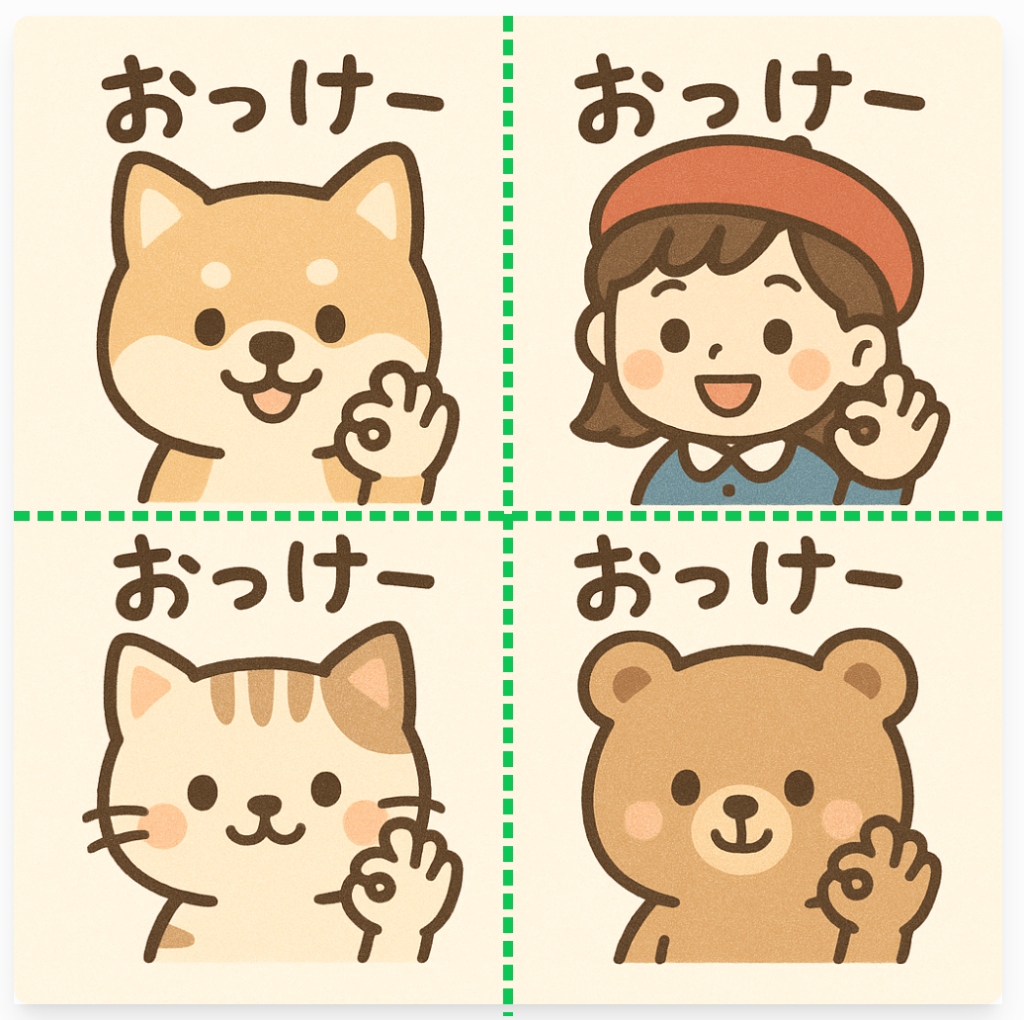
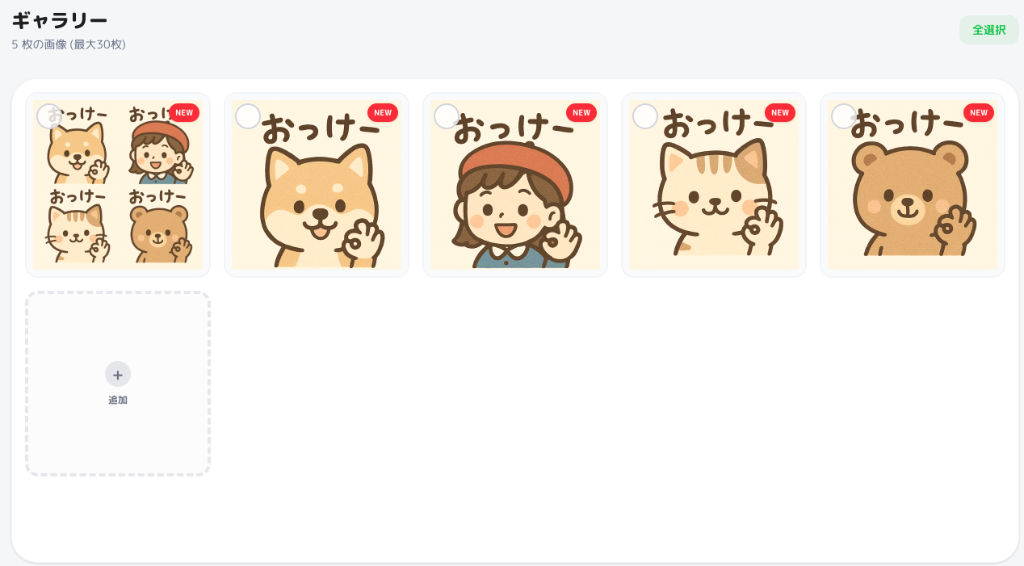
Whether it's a multi-character canvas or an AI Character Sheet, manually cropping and extracting each one is tedious. EzStampify's tool pulls dozens of stickers in seconds while maintaining a perfect square aspect ratio.
This automated workflow for AI-generated art significantly cuts down production time, letting you move straight to resizing and background removal.
STEP 1: Pre-processing for Reliable Cropping Results
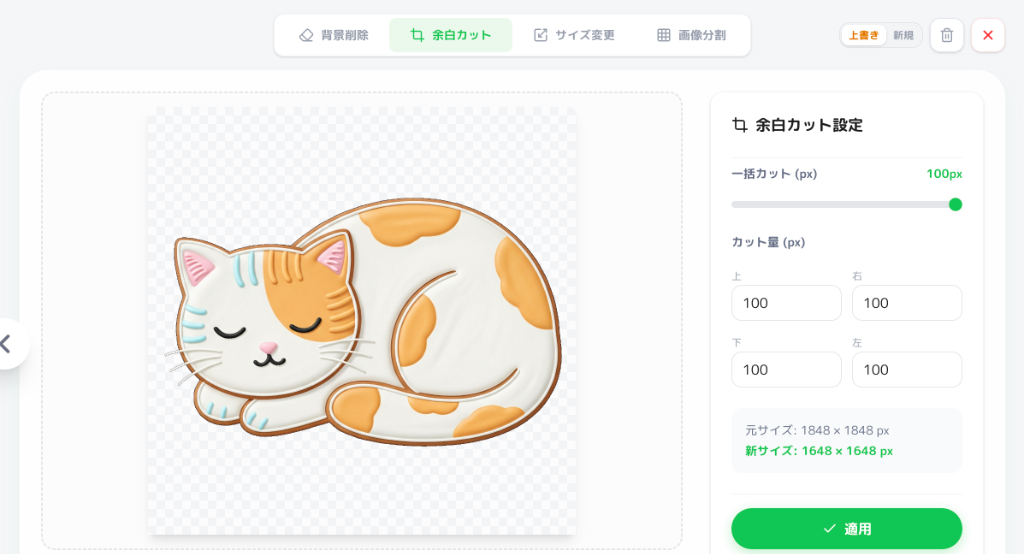
The secret to a clean extract is using the 'Margin Cut' tool first. Trimming uneven borders ensures your splitting grid aligns naturally, making it much easier to get high-quality individual files.
STEP 2: Mastering 'Grid Split' with Draggable Lines
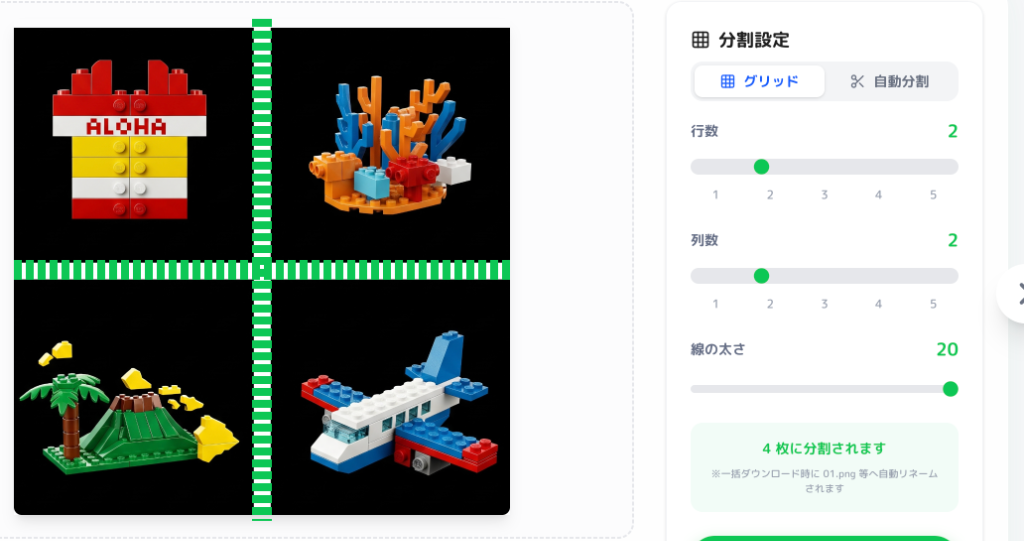
For aligned artwork, 'Grid Split' is the most reliable choice. You can click and drag each line to fit perfectly between characters. This allows for precise adjustments even for AI-generated grids that aren't perfectly centered.
STEP 3: 'AI Auto-Split' for Irregular Layouts
For non-linear subjects, use AI-powered 'Auto-Split'. It detects subjects and extracts them into square files automatically, simplifying the subsequent batch resizing process.
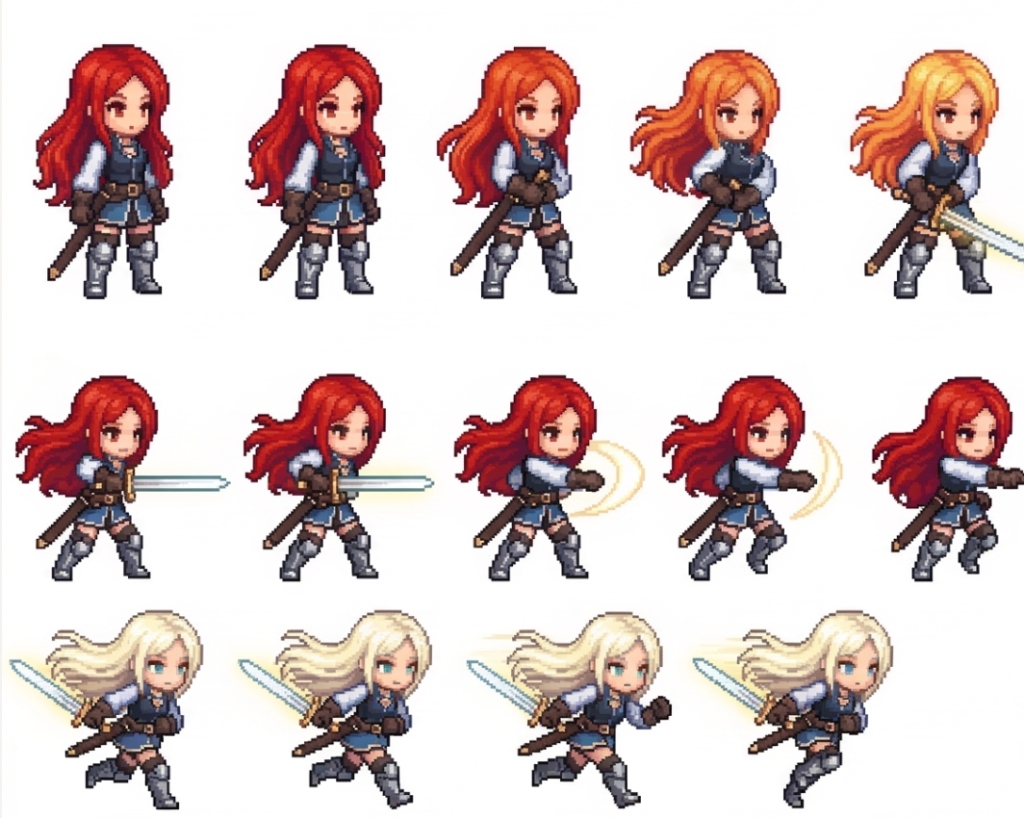
Post-Split Recovery: Fixing Cut-off Images
If a character is cut off, don't fix it with positioning. Instead, re-adjust your grid and re-run the extraction. Fine-tuning the splitting engine is the most efficient and fastest way to get professional results.