Background Removal for LINE Stickers: Easy AI Clipping
Every way to make LINE sticker backgrounds transparent: automatic AI clipping, the manual eraser, and chroma key — and when to use each.
Table of Contents
Mastering the 'Clipping' Process
To submit LINE stickers, your background must be 100% transparent. While manual editing is slow, EzStampify uses advanced AI to make clipping and background removal easy and precise.
Method 1: AI Background Removal (The Easiest Choice)
The AI automatically detects the subject and removes the background instantly. It's the easiest and most recommended way to get smooth edges for your illustrations.

Method 2: Chroma Key (Green Screen) Removal
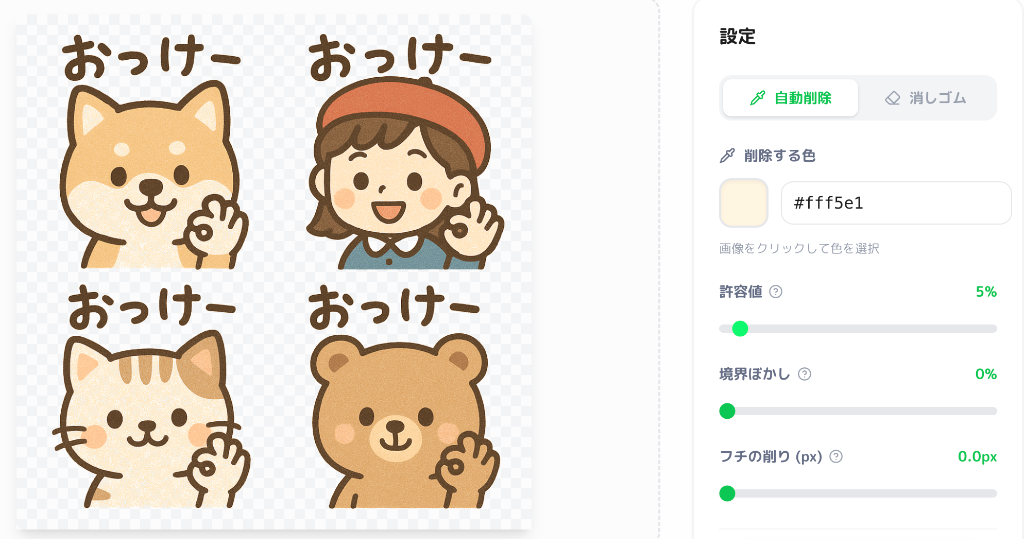
Ideal for AI-generated art with solid-colored backgrounds. This method allows you to easily transparentize specific colors, perfect for complex silhouettes.
Method 3: Manual Eraser & Restore
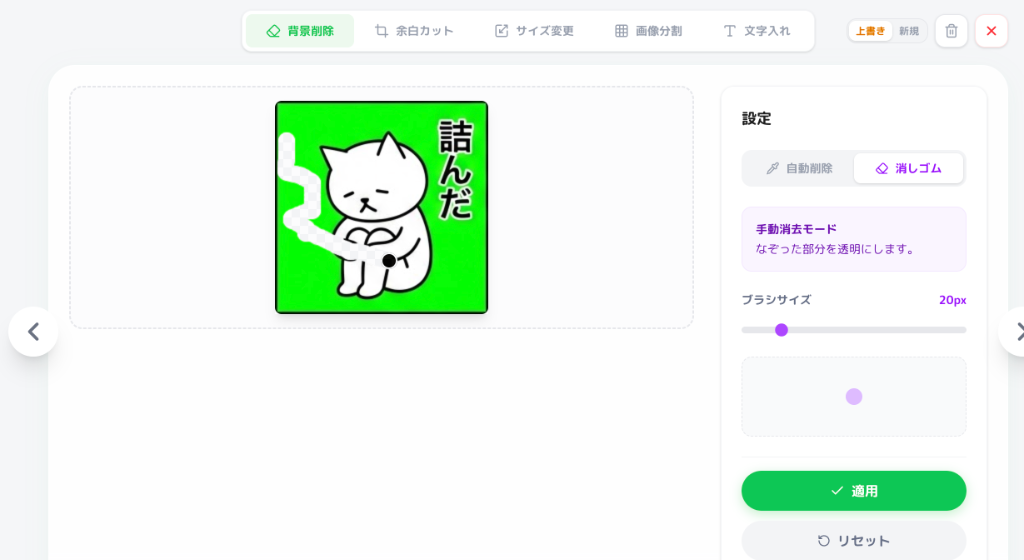
Use the manual tools for fine-tuning. It's simple to use directly in your browser, helping you fix tiny artifacts and ensure your stickers pass the LINE review process.