Mastering AI Character Consistency for LINE Stickers
Keep one character consistent across a whole LINE sticker set using image-to-image (i2i), character sheets, and precise prompt engineering.
Table of Contents
1. Why AI Struggles with Consistency
Modern AI generates images by calculating pixel probabilities from scratch. Even with identical prompts, nuances like hair and facial details shift because the AI lacks a persistent memory of the character's unique identity. The buzzy "Nano Banana" (Gemini 2.5 Flash Image) is known for handling character consistency well, but it can still drift without the right technique.
To fix this, you must give the AI visual rules—a master reference—rather than just words.
2. The Most Reliable Fix: Use Reference Images (Image-to-Image)
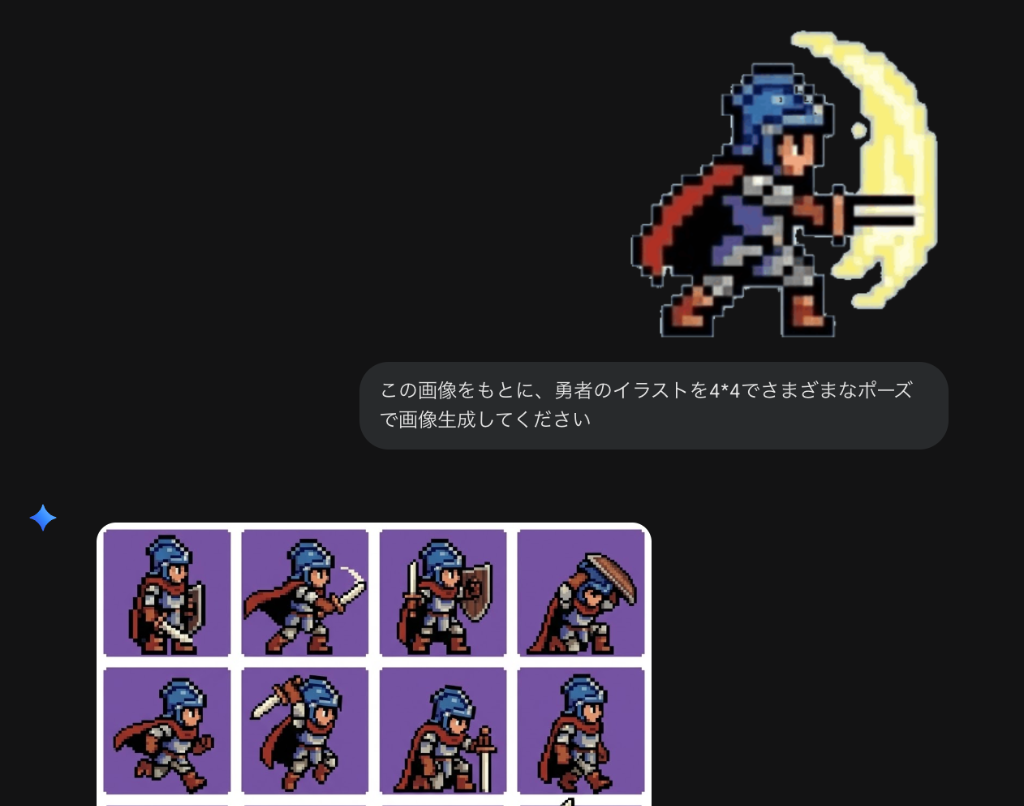
Providing a base image to the AI is the most effective way to lock in a character's identity. Visual context is far more powerful than verbs.
Steps:
1. Create a Master: Generate one hero image of your character.
2. Upload: Attach that image to your next prompt.
3. Direct: Instruct: 'Keep the exact character design from this image but draw them in a new pose (e.g., crying).' This forces the AI to check the original pixels first.
3. Pro Technique: Generate a "Character Sheet" Grid
If individual generations are too varied, force the AI to draw multiple poses in one go within a single frame.
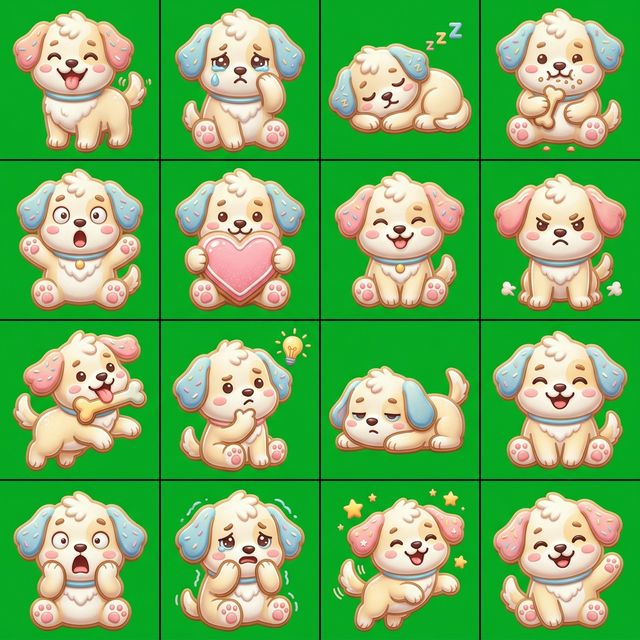
Instead of just using keywords like character reference sheet, it is crucial to explicitly specify the layout, such as "2x2 grid" or "multiple poses". This ensures the AI produces a structured sheet with multiple variations of the same character.
Since they coexist in one canvas, the AI maintains a much higher degree of consistency across the set.
4. Extracting Poses from AI Video Generation
Generate an AI video (Image-to-Video) from a single image and clip specific frames to capture natural poses.
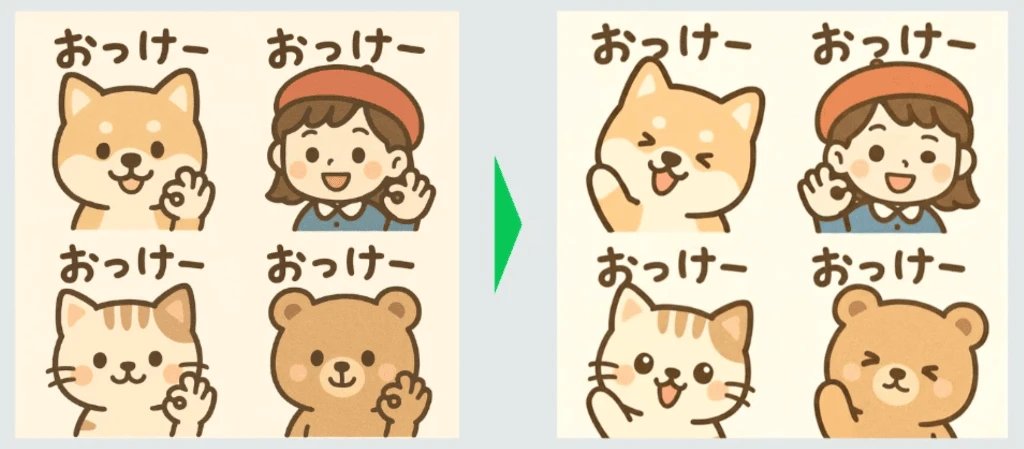
By animating your character, you can pause at the perfect moment and take a screenshot. This produces unique expressions and movements that are often difficult to describe with text prompts alone.
5. Process Instant Stickers with EzStampify
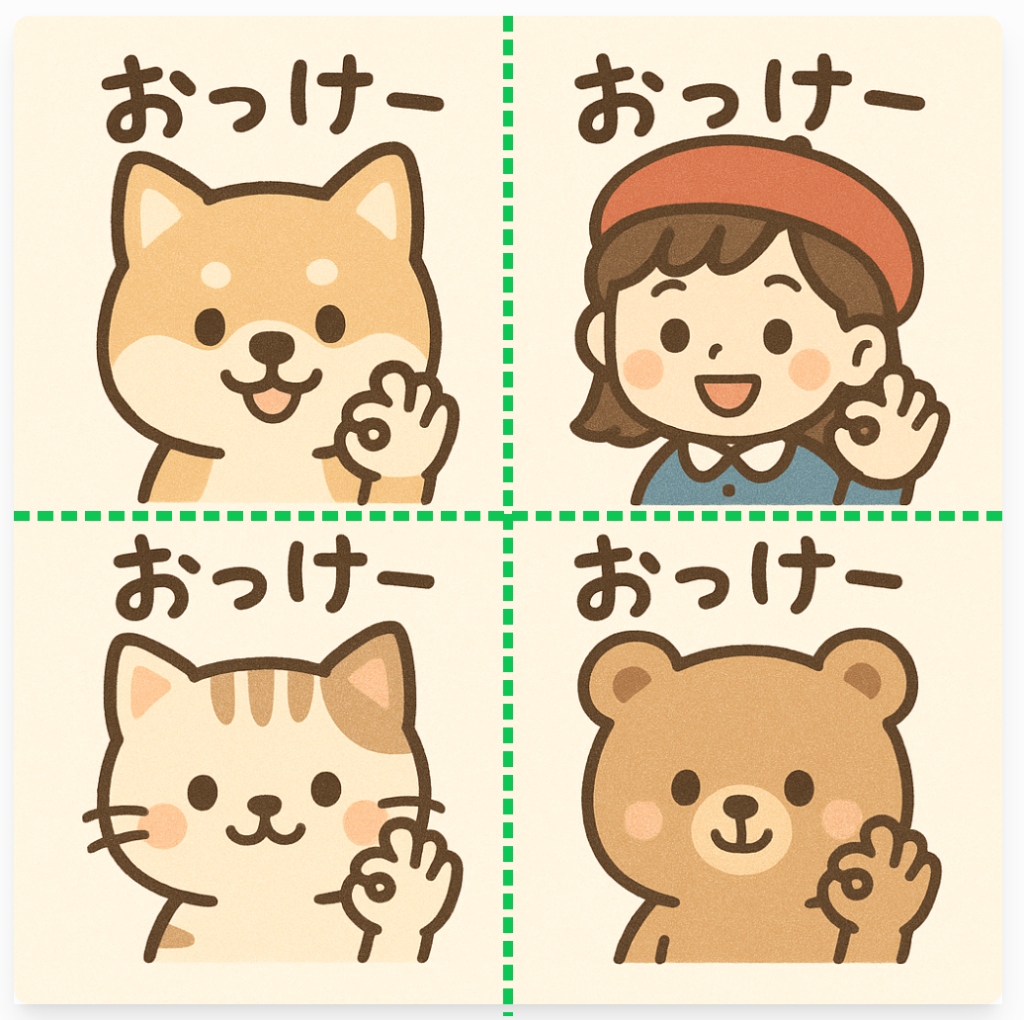
Raw grids or screenshots need trimming for final production. EzStampify makes this trivial.
The Workflow:
1. Generate: Create your character sheets or video stills.
2. Batch Split: Use EzStampify's Batch Image Splitting to chop grids into perfect squares instantly.
3. Transparent Export: Remove backgrounds and export everything as a organized ZIP file.
This workflow lets you turn a single AI creation into a dozen high-quality, consistent stickers in minutes.
Summary: Setting Boundaries for Consistency
Success in AI stickers comes from setting strict boundaries. Whether through image references, grid sheets, or video frames, guiding the AI visualy is the key to creating a cohesive, living character pack.
Related Guides
Finished your character? Ensure a smooth submission process by reading our guide on avoiding rejections: